Veyah Studio workspace

FAQ

Questions,
answered.

Everything you need to know about Veyah Studio, from how it works to what's included.

Most asked

Using Veyah Studio

Can't find what you're looking for? Contact our support team.

Video tutorials

Short, captioned walkthroughs of the Veyah Studio tools.

How Veyah Studio Works

2:30

A quick tour of Veyah Studio’s foundational tools: find your design style with the Blueprint Style Quiz, build an AI Mood Board, preview changes in your own room with Room Edit, and get designer feedback when you want it. Recorded before What’s Off? was added to Room Edit.

  1. Start with the free Blueprint Style Quiz
  2. Turn your style into an AI Mood Board with shoppable picks
  3. Preview pieces in a photo of your room with Room Edit
  4. Get a designer’s eye with Vibe Check or Design Match
How to Take the Blueprint Style Quiz

1:33

Step-by-step walkthrough of the free Blueprint Style Quiz: answer a few visual questions, get your interior design style, and save your results to your dashboard.

  1. Open the free Blueprint Style Quiz
  2. Pick the rooms, colors, and details you’re drawn to
  3. Get your design style instantly
  4. Save your results as a PDF, by email, or in your dashboard

How to Create an AI Mood Board

3:16

Learn how to create an AI interior design mood board in Veyah Studio, from choosing your room and style to reviewing curated product picks you can shop or preview with Room Edit.

  1. Choose the room you’re designing
  2. Build from your Blueprint Style Quiz result
  3. Generate your AI Mood Board in minutes
  4. Review product picks and take them into Room Edit
Soon

More tutorials coming soon. We’re adding new walkthroughs regularly, so check back soon.

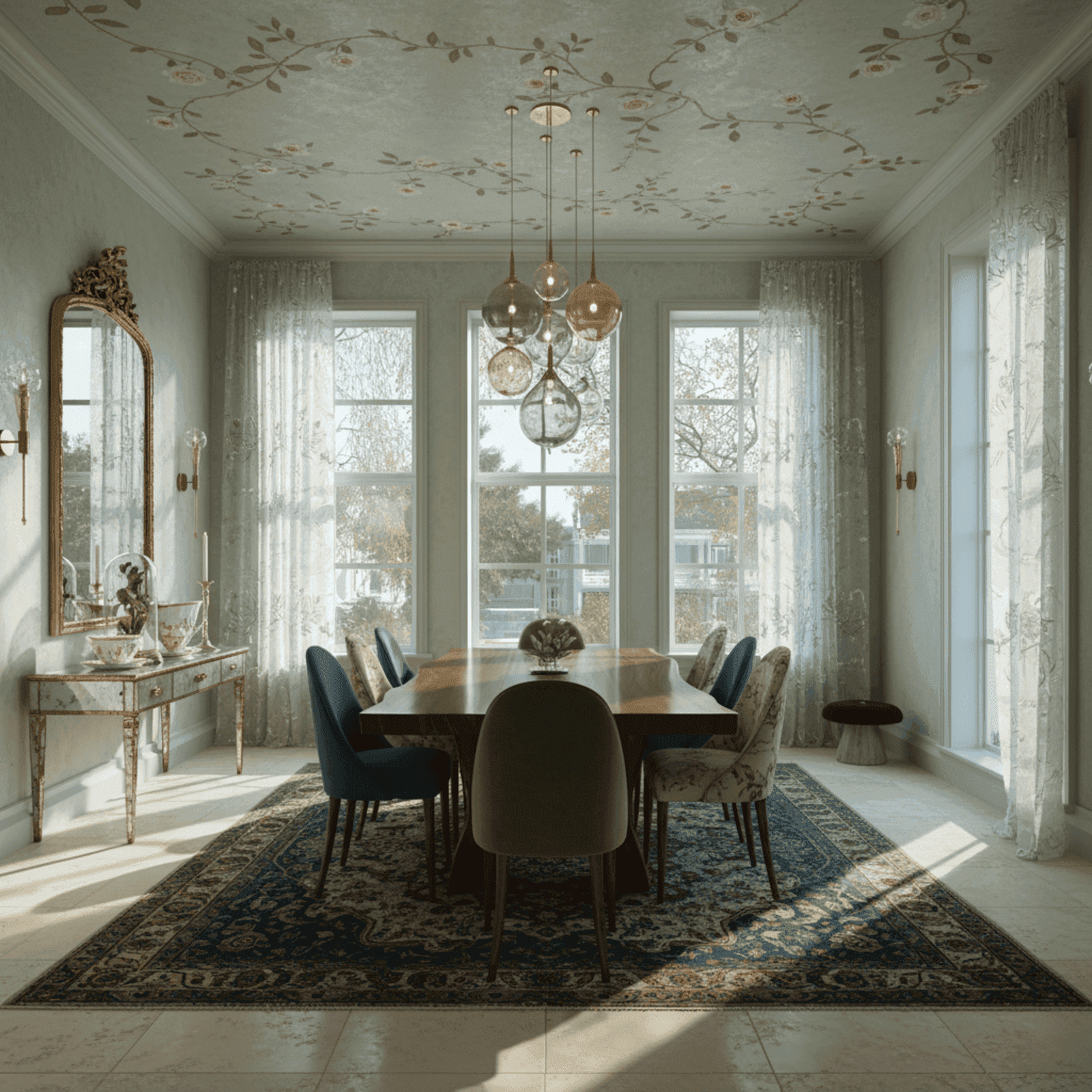
Dining room after styling
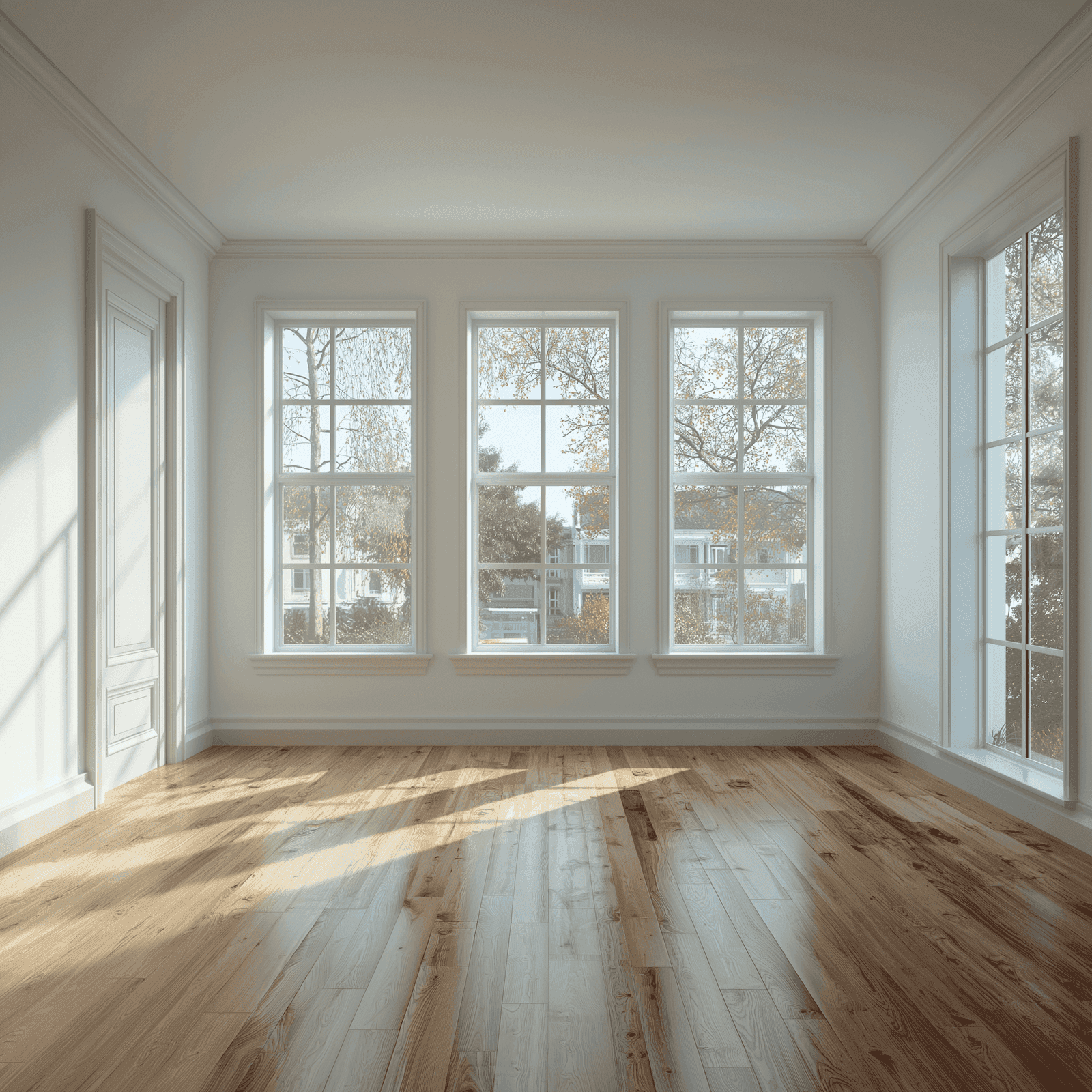
Dining room before styling
BeforeAfter

Still not sure where to start?

The Blueprint Style Quiz is an easy way to discover your direction.

Already know something isn't working in your room? Try What's Off? in Room Edit.

Take the Blueprint Style Quiz