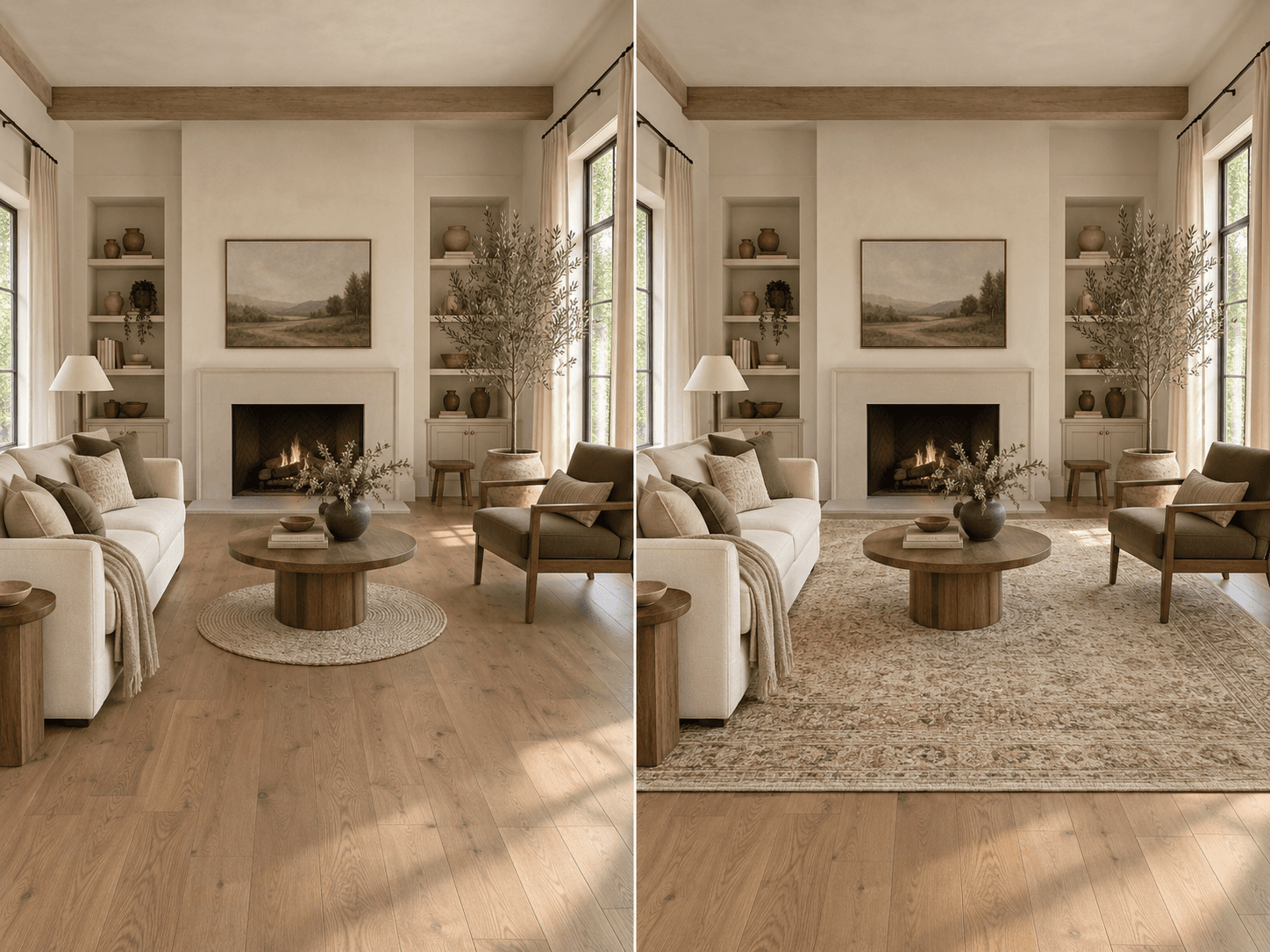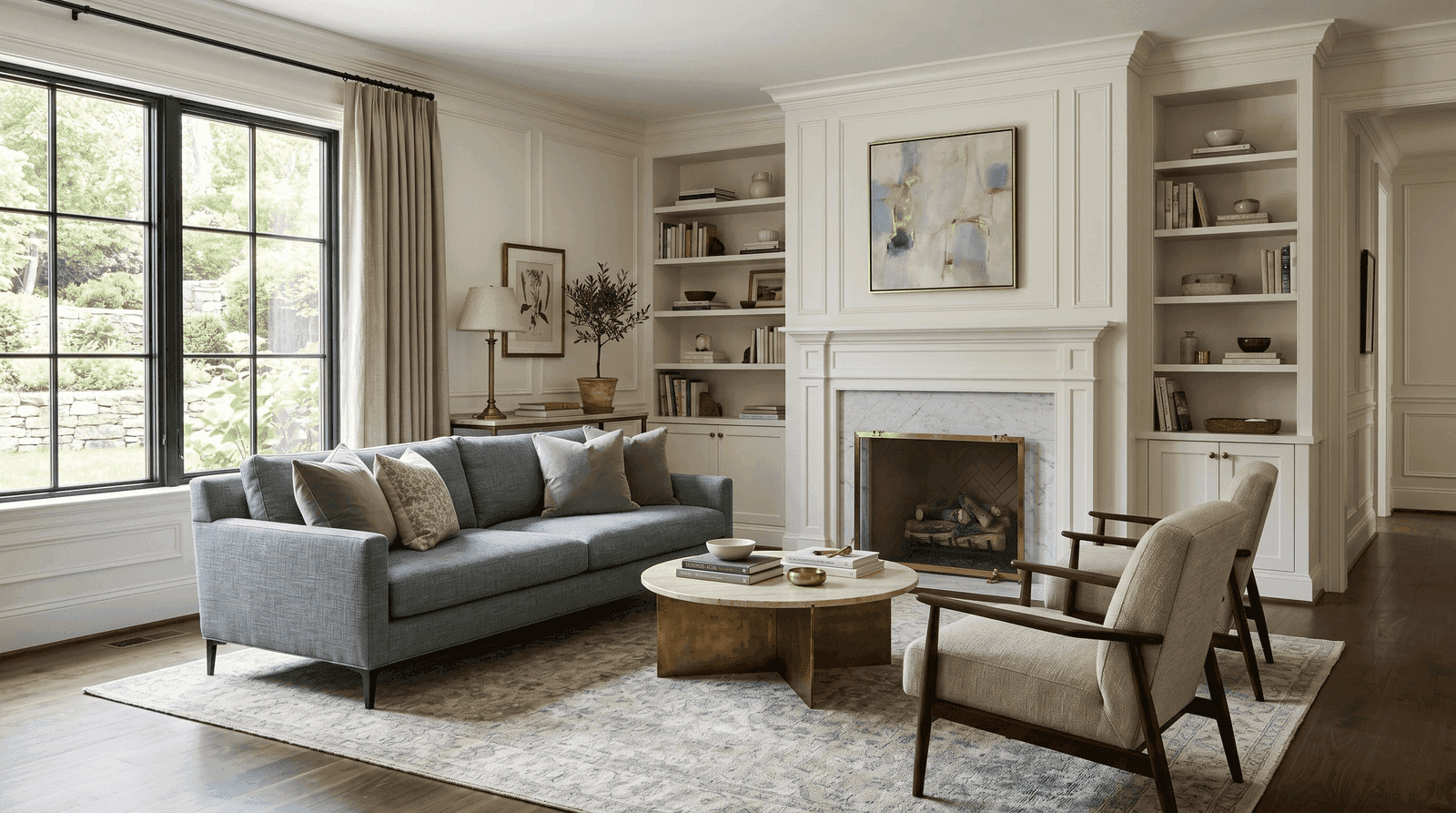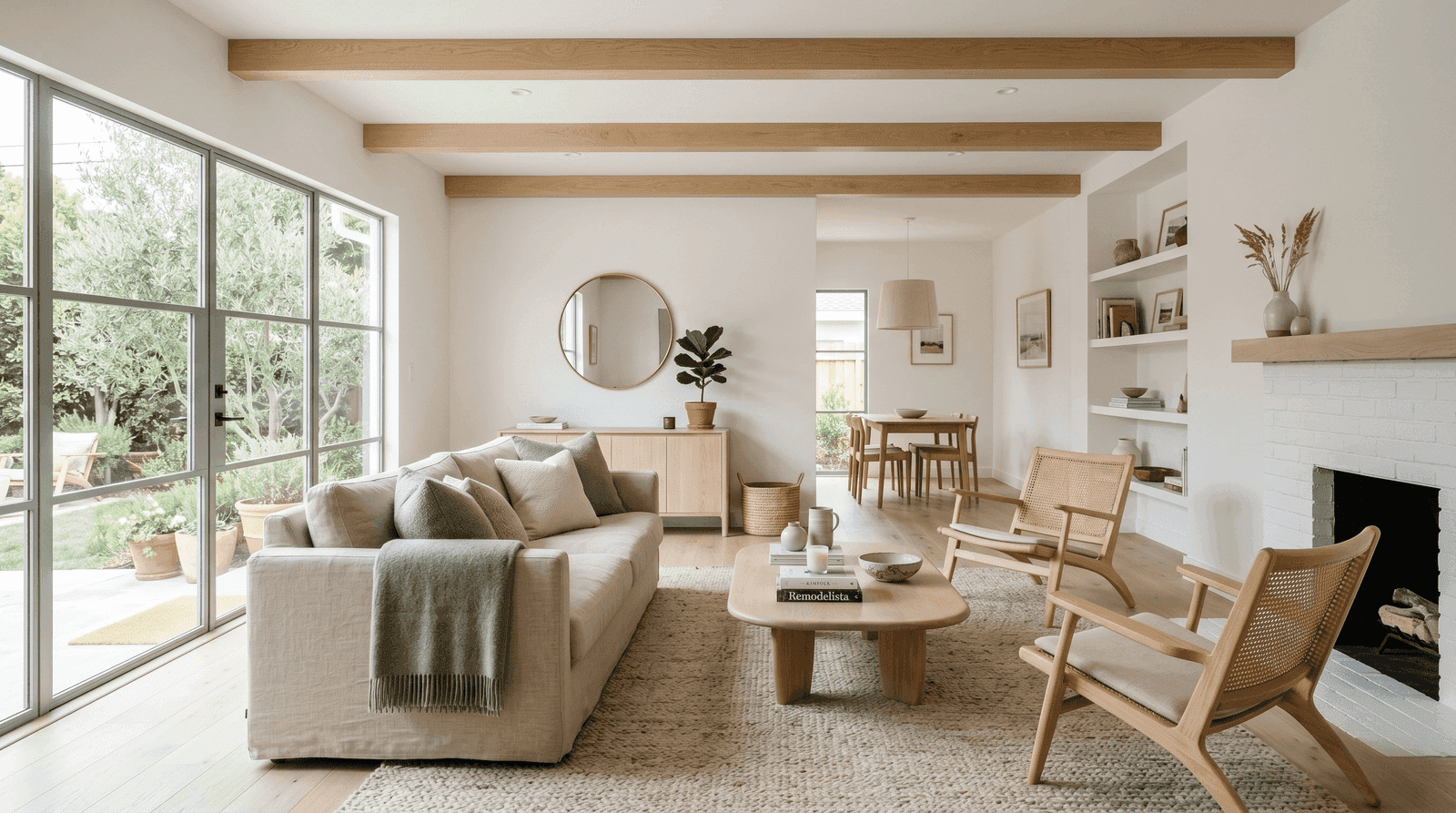
AI interior design has gotten very good at making beautiful pictures.
Upload a photo of your living room, choose a style, wait a few seconds, and suddenly your space has better lighting, a sculptural sofa, the correct rug size, and absolutely no evidence that a real human lives there.
Useful? Sometimes.
Enough? Not really.
Because most people don’t have an inspiration problem.
They have a decision problem.
They’re trying to figure out what to keep, what to change, whether the layout works, which style direction actually fits them, whether a new piece will work with what they already own, and when they’ve reached the point where they need a real designer involved.
That’s the gap Veyah is built to fill.
Veyah isn’t just an AI image generator. It’s a design platform built to help you move from one to the other.
“Something feels off” to “I know what to do next.”
Pretty Pictures Are Easy. Good Decisions Are Harder.
Most AI interior design tools are built around one big transformation.
You upload a room. You pick a style. The AI changes everything.
New furniture. New walls. New lighting. New rug. New art. Possibly new windows, because apparently physics has also been redesigned.
The result might look great, but it doesn’t necessarily help you make a real decision.
What if you like your sofa?
What if you only want to test a darker paint color?
What if the room feels wrong because the rug is too small, not because the entire space needs to be reinvented?
What if you love the look of the AI-generated room but have no idea which changes actually made it better?
That’s why Veyah is designed around a larger process. Not just inspiration.
Direction, testing, refinement, and real design support.
Discover: Figure Out What You Actually Like
Before you start changing a room, it helps to have some idea where you’re going.
This sounds obvious, yet many of us have saved a Scandinavian kitchen, a moody English library, a California living room, and a chrome 1970s dining table, and somehow expected them to form a coherent personality.
Blueprint Style Quiz
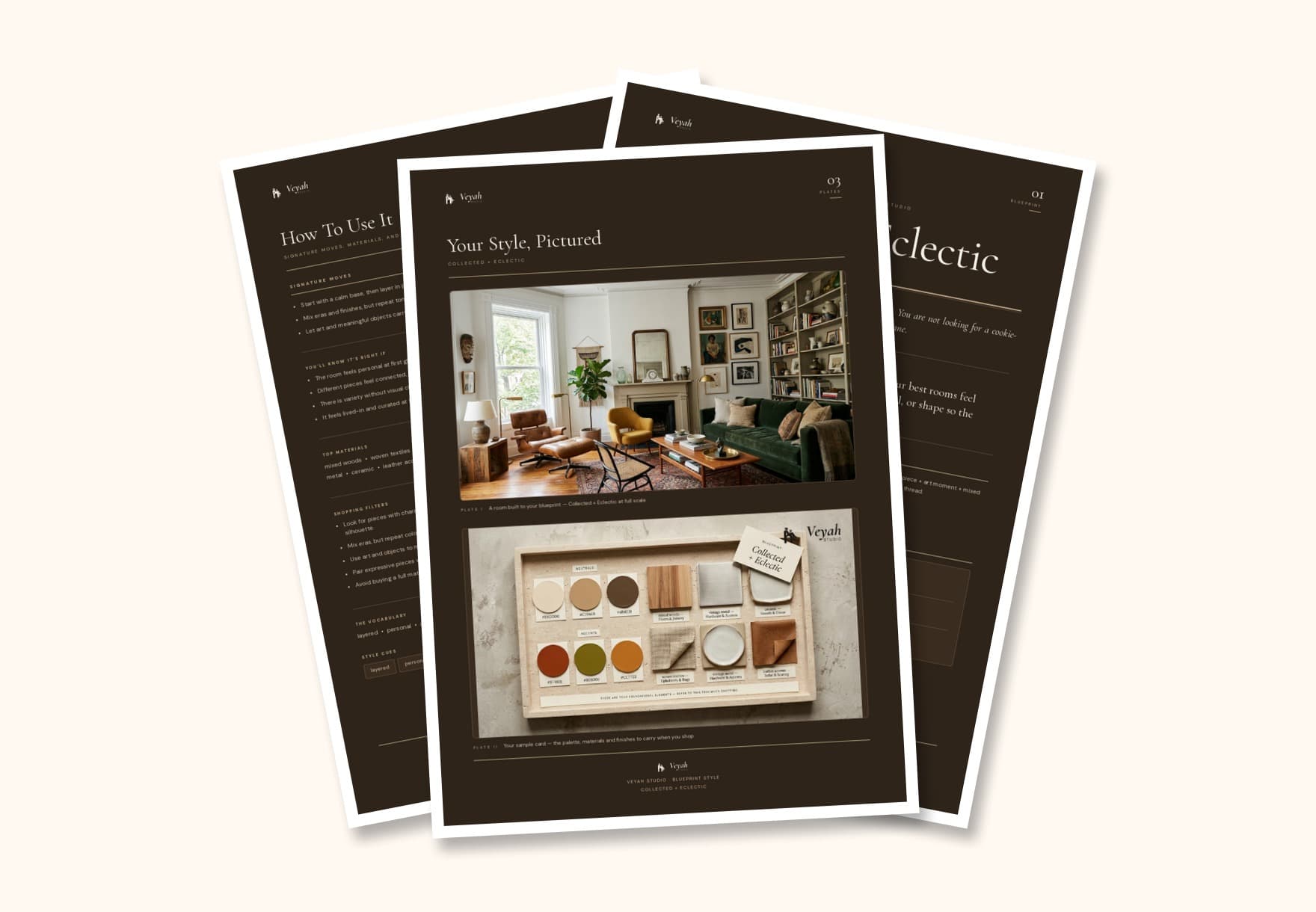
The Blueprint Style Quiz helps identify your core design direction and the styles influencing it.
Instead of handing you a generic label and sending you on your way, it gives you a clearer framework for understanding what you’re drawn to, including things like:
- —Your primary style direction
- —Secondary influences
- —Color preferences
- —Materials and textures
- —Overall mood
- —Visual characteristics that show up repeatedly in what you like
The point isn’t to lock you into a style forever. It’s to give you a useful starting point.
Because “I like pretty things” is technically a preference, but it’s not especially helpful when choosing a sofa.
Design: Turn Direction Into Something You Can Actually See
Once you understand your direction, Veyah helps you start applying it.
AI Mood Boards
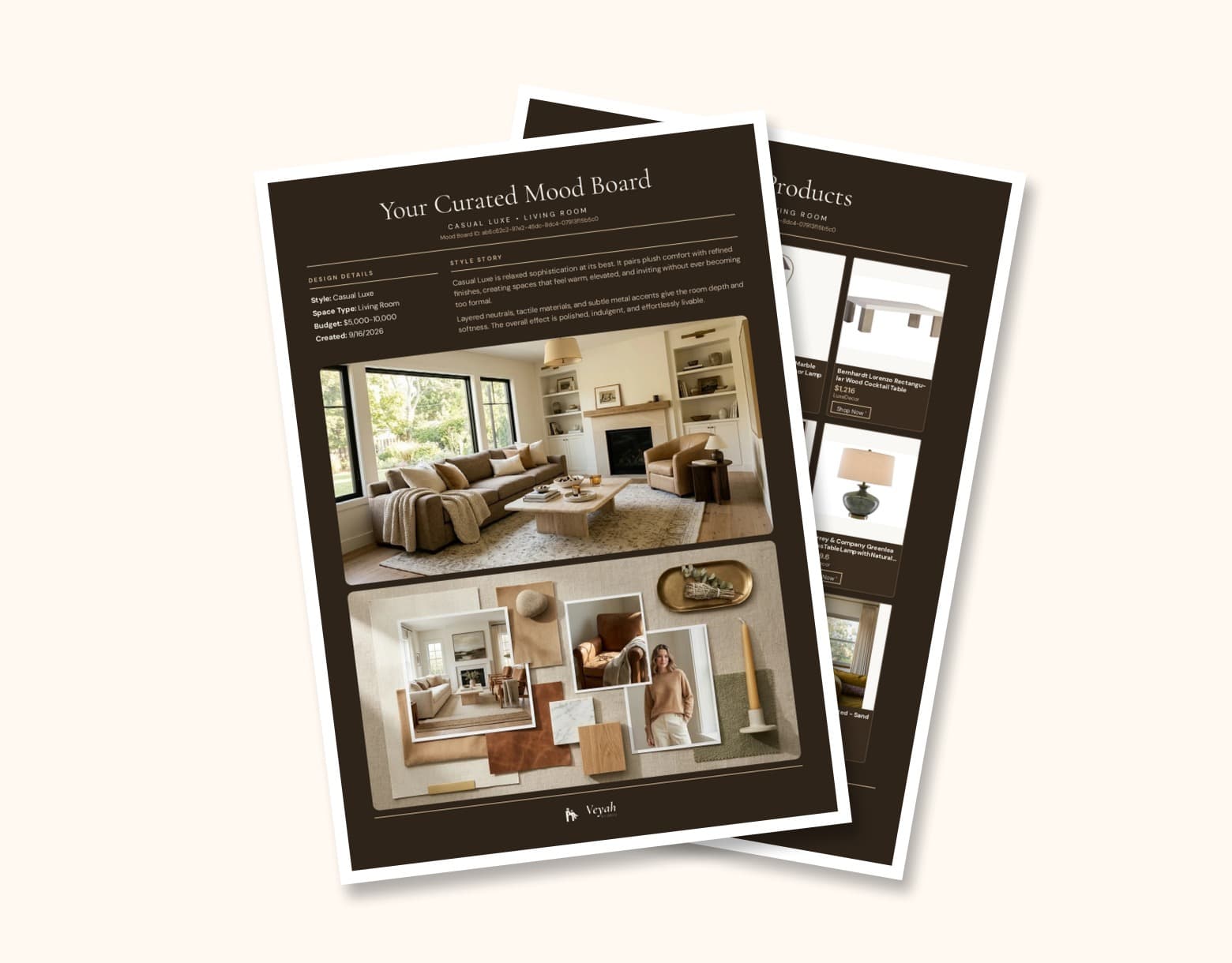
Mood Boards let you build a visual concept around your style before making changes to the room itself.
Depending on what you need, you can choose how much of the room to solve:
- —The Preview: five coordinated furniture selections that establish the room direction.
- —The Whole Vibe: a full-room plan of furniture, lighting, and key decor that work together.
- —The Final Touch: style-forward layering, art, decor, and personality for a room that’s almost there.
All three include shoppable product links, a color palette, and a clear style direction, so you can see how furniture, lighting, materials, color, and accessories relate to one another before you start buying random things and hoping they become friends.
Room Edit: Test Real Design Decisions Before You Commit
This is where Veyah moves beyond the standard AI room makeover.
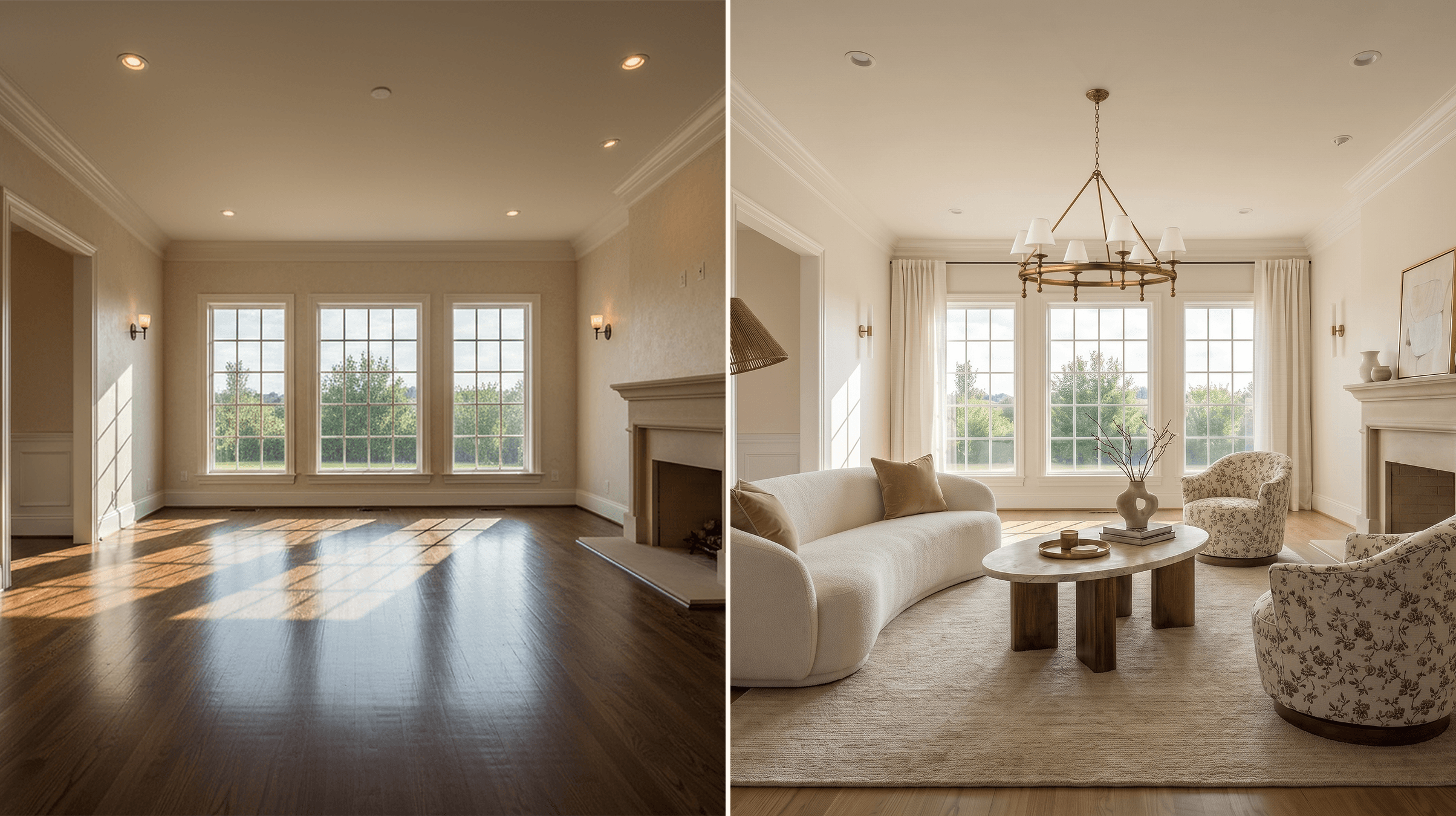
The empty and finished living room at the top of this post is the same room, edited inside Room Edit. But the point isn’t just to generate a different-looking version of the space.
Room Edit lets you test specific design decisions in context. Change the wall color without replacing the furniture. Swap one product instead of redesigning the entire room. Compare versions, explore lighting and materials, and see how different choices work together before committing.
And when shoppable products are used in your design, you can save them to your shopping list and purchase the pieces that work.
That makes Room Edit less about “show me another version of this room” and more about “help me figure out what I should actually change.”
You can:
- —Explore a different design style
- —Change wall colors
- —Swap individual products
- —Test materials
- —Adjust lighting
- —Enter your own design instructions
- —Compare before and after
- —Undo and redo changes
- —Revisit previous versions through history
You can also test how the room feels under different lighting conditions, including daylight, evening, warm indoor light, and other presets.
That matters because a room can look completely different at 10 a.m. than it does at 8 p.m., a concept apparently unknown to anyone who has ever chosen paint under fluorescent store lighting.
From Visualization to Shopping
Seeing a change is useful. Being able to act on it is better.
When products are used in your Room Edit design, Veyah can help you move from visualization to purchase by connecting you to the actual pieces featured in the room.
Instead of looking at a finished AI image and wondering, “Where do I even find something like that?”, you can explore the products used in the design, add pieces to your shopping list, and shop the items that fit your space.
That means Room Edit isn’t just helping you imagine a better room. It can also help you build one.
You can use it to:
- —Test furniture and decor in your actual space
- —See how products work with what you already own
- —Save pieces you want to consider
- —Build a shopping list as the design develops
- —Purchase featured products when you’re ready
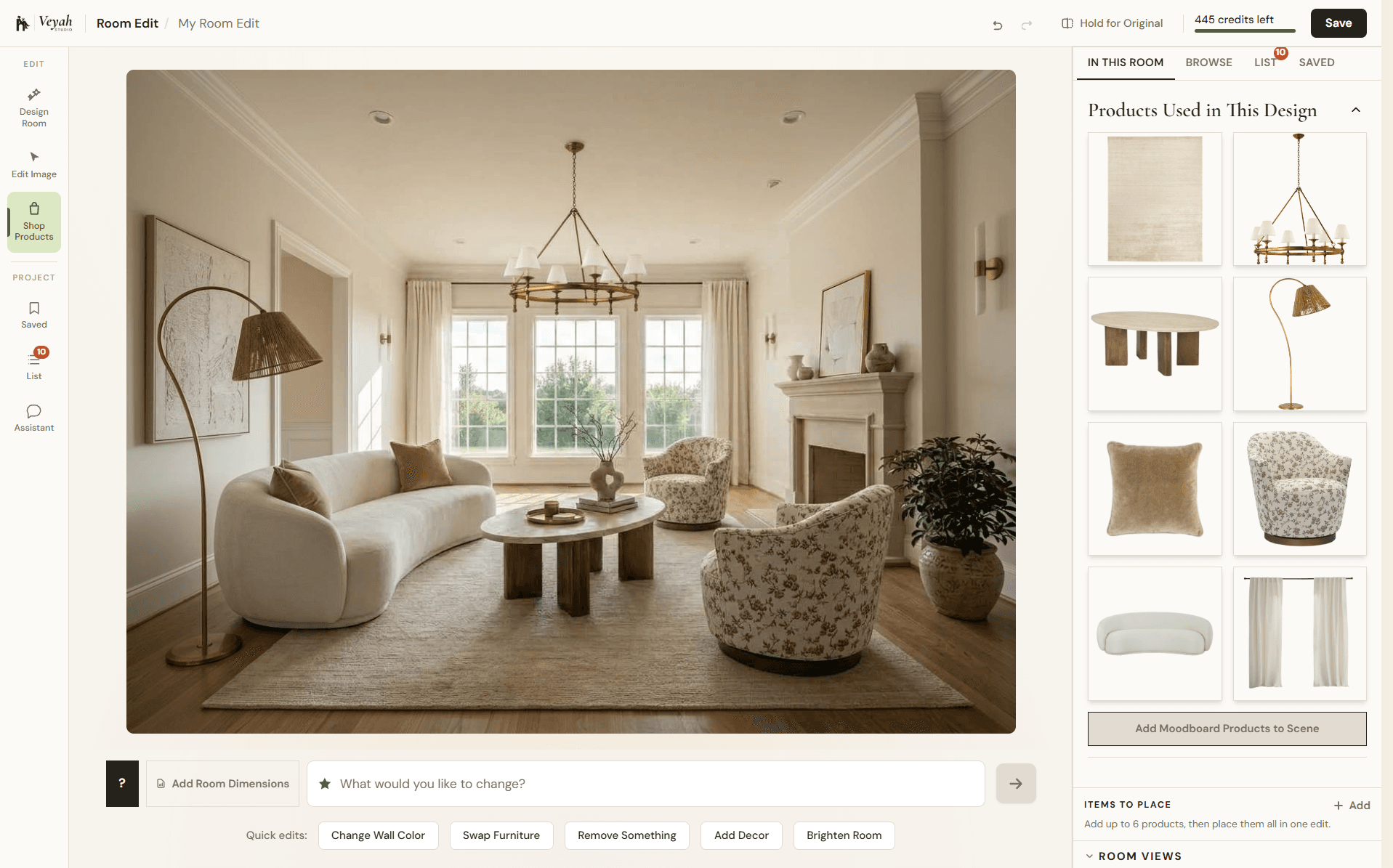
That connection between visualizing, deciding, and shopping is a big part of what makes Veyah more useful than a tool that simply hands you a rendered image and wishes you luck.
The Real Difference: You Don’t Have to Change Everything
One of the most useful things about Room Edit is that it doesn’t require a full makeover.
Maybe your sofa works. Maybe your coffee table works. Maybe your room is 80% there and you just need to understand what’s throwing it off.
You can test smaller decisions instead.
Would a larger rug improve the scale? Would darker walls add contrast? Would moving toward a warmer palette make the room feel more cohesive? Would replacing one chair change the balance? Would a different light fixture be enough?
Good design often comes down to identifying the one or two decisions that are actually causing the problem.
Room Edit helps you see those changes before committing to them.
Layout Playbooks: Because Design Isn’t Just About How Things Look
A beautiful room can still be annoying to live in.
Furniture can be too close together. Walkways can be blocked. Rugs can float in the middle of nowhere. Lighting can be technically present while somehow illuminating nothing useful.
That’s where the Layout Playbooks come in.
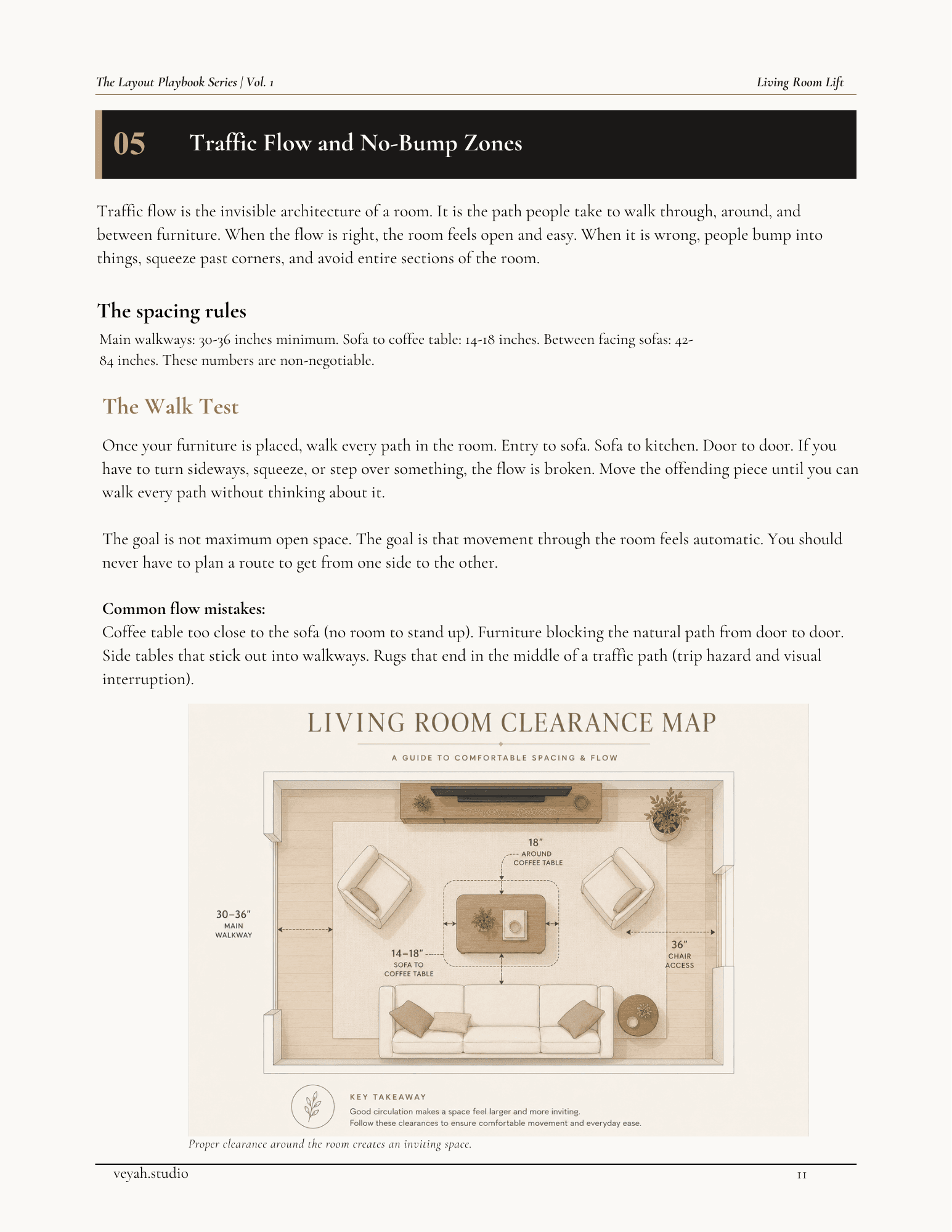
These are practical, room-specific design guides, 17 in the series so far, covering things like:
- —Living Room Lift
- —Bedroom Reset
- —Dining Room Decoded
- —Entryway SOS
- —Light Work
- —The Open Concept Fix
- —Counter Intelligence
- —Corner Work
- —No Nails Required
- —Frame of Reference
- —Home Office Harmony
- —Every Inch
- —Closet, Not Chaos
- —The Awkward Room
- —The Rug Survival Guide
- —Styling Rules
- —The Renovation Edit
The Playbooks focus on the less glamorous part of interior design that usually determines whether a room actually works.
Scale. Spacing. Placement. Proportion. Function.
The boring things that become extremely interesting once your dining chairs keep hitting the wall.
Refine: Get Help From a Real Designer
AI can help you visualize options very quickly. That does not mean AI should be responsible for every design decision.
There is still a point where experience and judgment matter. Veyah intentionally builds human design expertise into the platform rather than pretending technology should replace it.
Vibe Check
Vibe Check is for the moment when you’ve made progress but something still isn’t quite working.
Instead of redesigning the entire room, a real designer reviews your space and gives you focused feedback within three business days. Every Vibe Check includes:
- —A focused review of your room and the specific decision you’re stuck on
- —Marked-up, annotated notes on your images
- —A prioritized list of what to change first
- —Product swap suggestions where needed
- —A private, interactive results page you can revisit on any device
It’s designed for questions like:
- —“Why does this still feel off?”
- —“Is the rug wrong?”
- —“Do I need more contrast?”
- —“Is this furniture too heavy for the room?”
- —“What should I change first?”
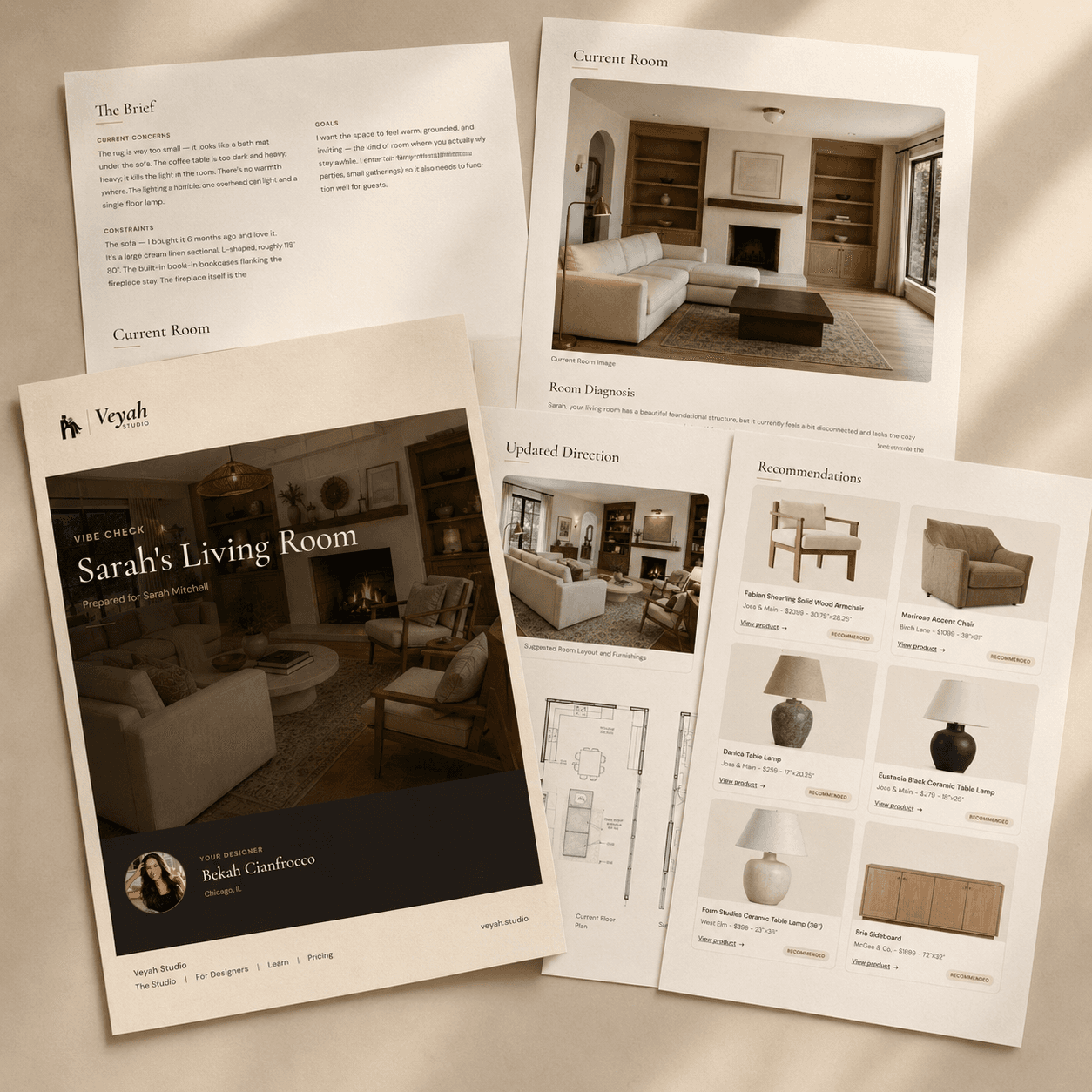
Sometimes you don’t need a full interior design service. You need someone who knows what they’re looking at to identify the problem.
Design Match
And sometimes the answer is not another AI prompt. Sometimes you need a designer.
Design Match helps connect you with an interior designer when the scope of the project becomes larger, more complex, or simply more than you want to handle yourself.
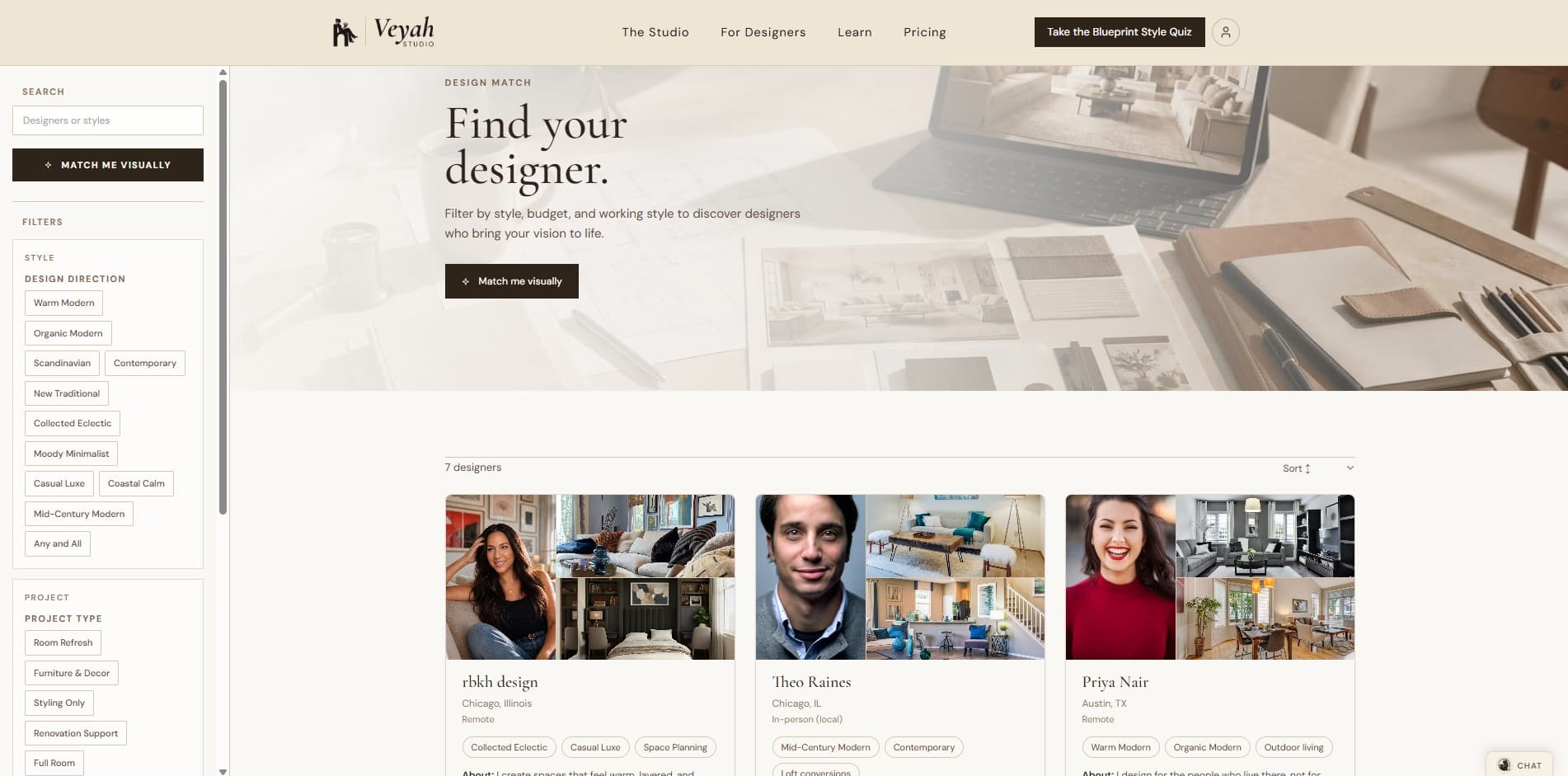
Maybe you’re renovating. Maybe you need help pulling multiple rooms together. Maybe you’re making expensive decisions and would like someone with actual professional experience involved before you order the 104-inch sectional.
Design Match creates a bridge between digital design tools and professional interior design. That distinction matters.
Veyah isn’t built on the idea that AI replaces designers. It’s built on the idea that different projects need different levels of help.
Evolve: Because Your Home Is Never Really Finished
Interior design is usually presented like it has a clean ending.
Before. After. Done.
Real homes do not behave that politely.
Your needs change. Your taste changes. You find something you love. You move. You replace a sofa. You suddenly decide the dining room you tolerated for four years has committed enough crimes.
Your home evolves. Veyah is designed around that reality.
The Veyah Edit
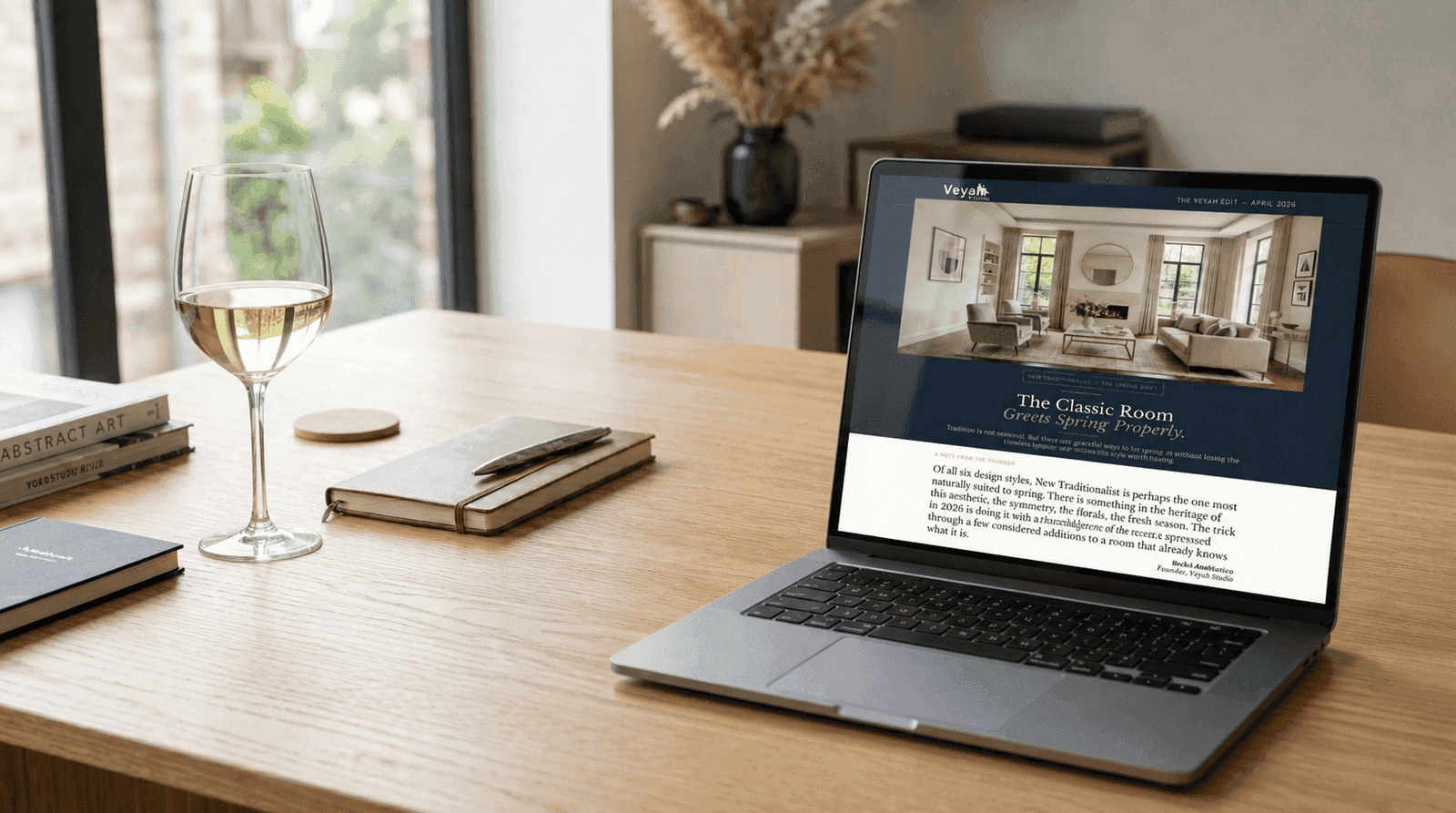
The Veyah Edit is a monthly design subscription built around your style, so ideas and direction keep coming after the initial project is complete.
Each issue includes:
- —A rotating monthly topic explored with real depth: a material, a seasonal shift, a lighting principle
- —6 to 8 curated, shoppable products with styling notes on what makes each one work
- —2 to 3 real room examples showing the month’s style in context, not staged shoots
- —One simple, actionable style move: a swap or a styling trick that makes a visible difference
- —An early signal on something emerging, before it becomes the thing everyone’s doing
It’s not about chasing every trend that appears online. It’s about continuing to develop your space intentionally rather than starting over every time your taste shifts slightly.
AI Where It Helps. Human Judgment Where It Matters.
That is the core of Veyah.
AI is extremely useful for visualization. It can show possibilities quickly. It can help you test ideas without buying anything. It can make design experimentation more accessible.
But interior design involves more than generating an image. It involves understanding:
- —Scale
- —Proportion
- —Layout
- —Material relationships
- —Color
- —Lighting
- —Function
- —Atmosphere
- —How people actually use a space
Those are decisions.
Veyah uses technology to help you make them more confidently, while still creating clear paths to real design expertise when you need it.
One Platform, Different Levels of Help
Not everyone needs the same thing.
You might need to understand your style. You might need a mood board. You might want to see a paint color in your actual room. You might need help fixing your furniture layout. You might want a designer to explain why the room still feels wrong. Or you might be ready to work with a designer on the entire project.
Veyah is designed so you can enter at the level of help you actually need.
Discover your direction. Design the room. Refine the decisions. Evolve the space over time.
No requirement to hand over your entire house. No assumption that AI should solve everything. And no need to generate 47 beautiful living rooms just to figure out whether you need a larger rug.
You Probably Don’t Need More Inspiration
There’s no shortage of beautiful interiors online. You can collect thousands of them.
The harder part is translating all that inspiration into your own home. That’s what Veyah is built for.
Not simply, “Show me a pretty room.”
But, “Help me figure out mine.”
From the Blueprint Style Quiz and AI Mood Boards to Room Edit, Layout Playbooks, Vibe Check, Design Match, and The Veyah Edit, Veyah gives you tools and real design support across the entire process.
Because the goal isn’t to create another image worth saving.
It’s to help you create a home worth living in.
Start with the Blueprint Style Quiz, or jump straight into Room Edit with the room you already have.